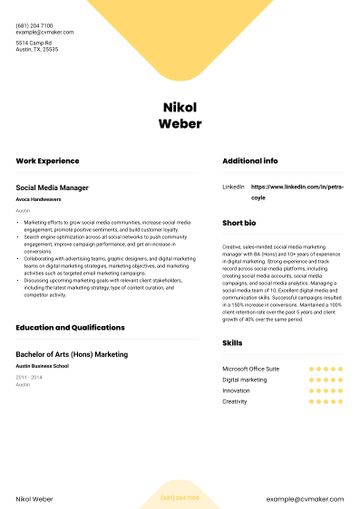
Michigan
BeginnerSimple98K views
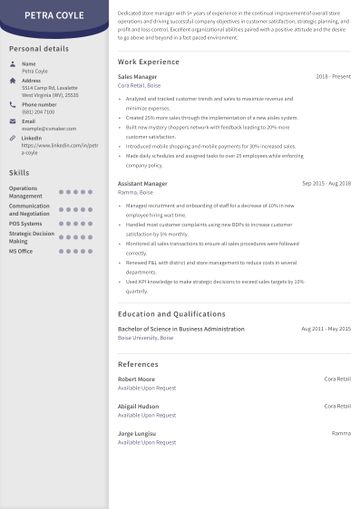
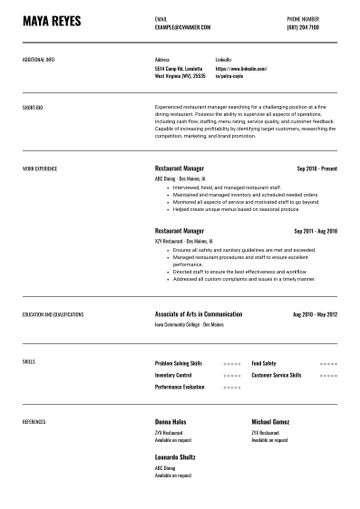
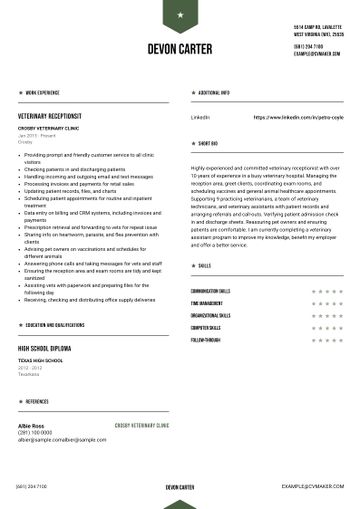
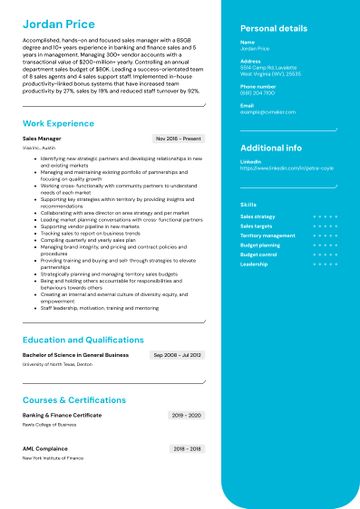
CV template designs for every stage of your career, from your first application to your next leadership role. Explore 20+ templates, choose your preferred layout, and fill in your details. Customize your design and download your CV when you’re ready to apply.

Choose a template. Find a design that gives your experience, education, and skills the space they need.
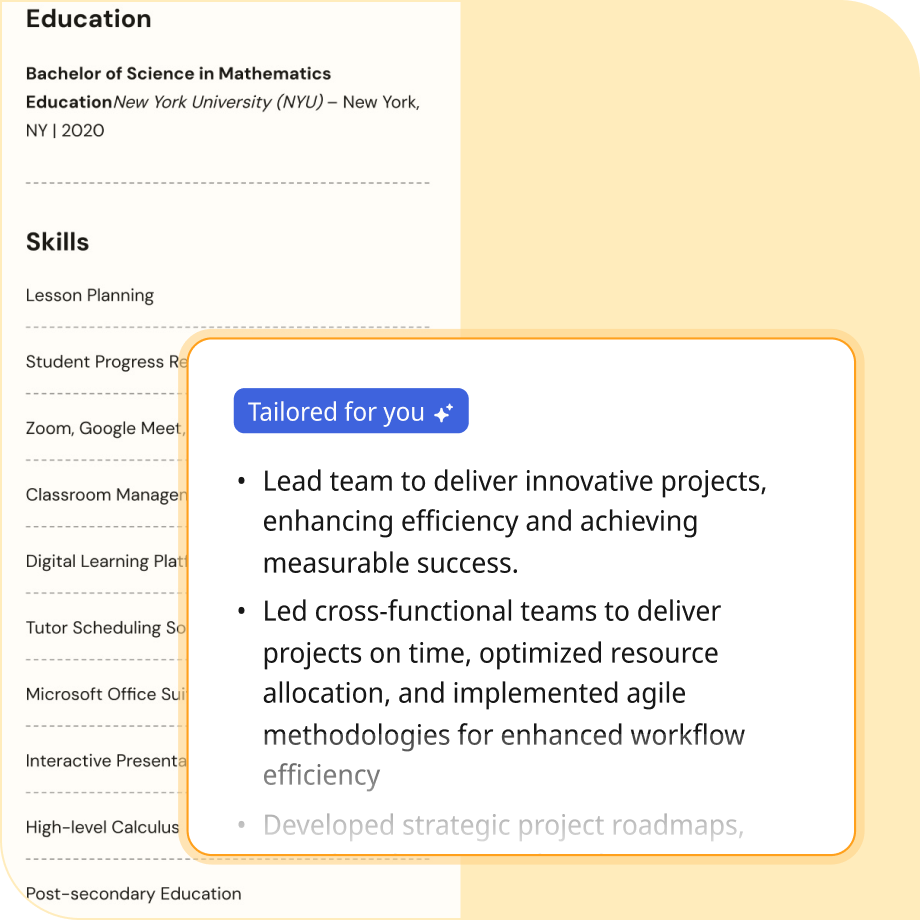
Make it yours. Add your details, tailor your content to the job with AI assistance, and adjust the colors and fonts.
Download and apply. Review your completed CV and download it in the format requested by the employer.
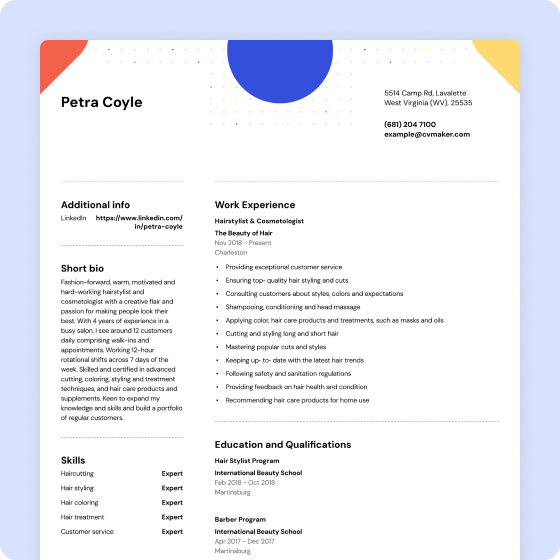
Add personality through distinctive headings, color, and layout. A creative CV template can complement applications for design, media, or other creative roles while keeping your qualifications accessible.
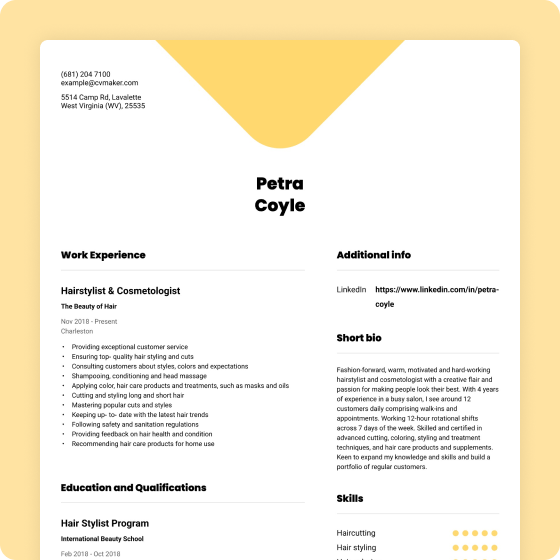
Give your application a fresh look with clear sections and considered use of color. A modern CV template helps you organize your information while keeping the overall design easy to read.
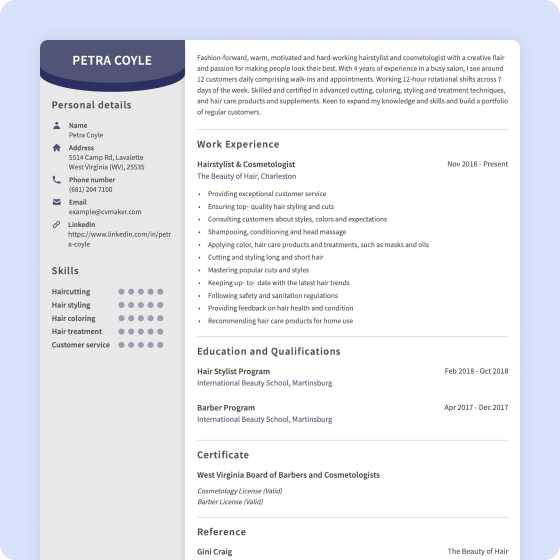
Keep your qualifications and career progression easy to follow. A professional CV template uses a balanced layout and clear headings to present your experience, responsibilities, and achievements.
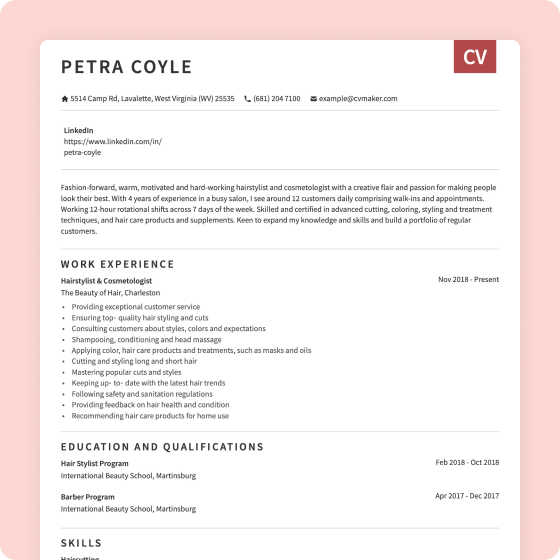
Let your content take the lead. A simple CV template keeps decoration to a minimum, making it a versatile choice for first-time applicants and experienced professionals alike.
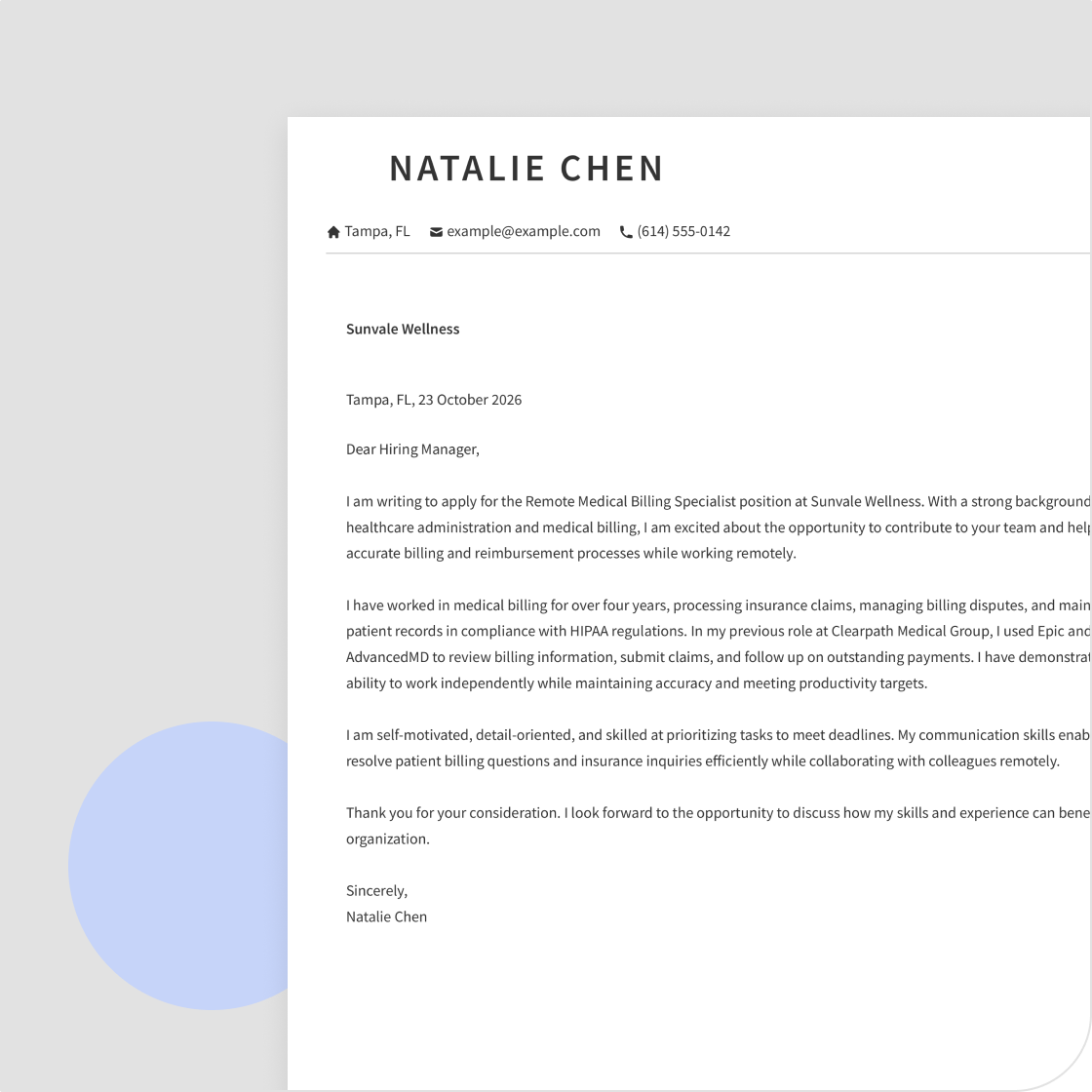
Bring your application together with a cover letter that matches your CV. Use a consistent design across both documents, then give each a clear purpose: your CV presents your qualifications, while your letter explains your interest and suitability for the role.
Coordinate your layout, colors, and fonts.
Expand on relevant achievements without repeating your CV.
Tailor both documents to the same opportunity.
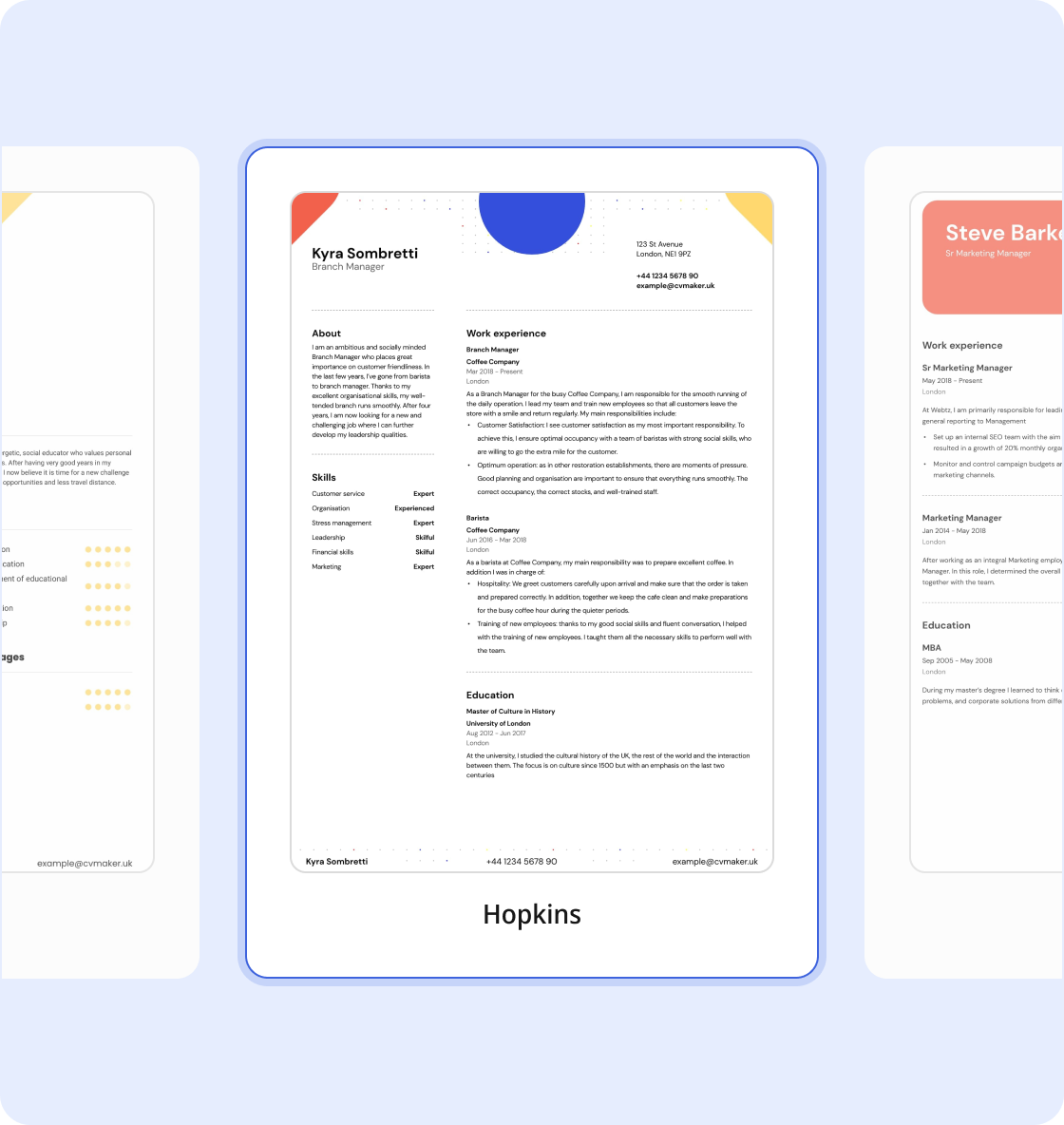
Chosen a template but unsure what to write? Explore completed CV examples to see how other applicants might present their skills, experience, and achievements.
Find examples for different professions and career stages.
Get ideas for your profile and work experience descriptions.
Use the guidance to write an application based on your own background.
The right curriculum vitae template makes your strongest qualifications easy to find. Start with the requirements of the application, then choose a layout that works with your content.
Check the employer’s instructions. Look for requirements covering document format, length, language, or specific information.
Prioritize your strongest evidence. Give relevant work achievements prominent space. If you’re starting out, highlight education, projects, placements, and transferable skills.
Choose a readable CV layout. Use clear headings, consistent spacing, and a font size that remains comfortable to read.
Adapt to the destination. Expectations around photos and personal details vary between countries. Check local conventions before including them.
Preview your completed CV. A design can look different once you add your information. Check page breaks, text spacing, and the balance between sections.
Build your content and design together with CVMaker. Our 20+ professional CV templates give you a clear starting point, with flexible layouts you can customize for your background and next opportunity.
Add your details, adjust the design, and compare templates without entering your information again. If you’re unsure how to describe your experience, AI assistance can help you refine your profile and work experience sections.
With CVMaker, you can:
Choose from 20+ professional CV templates.
Use the AI CV Maker for suggestions to strengthen your writing.
Switch designs while keeping your existing content.
Add, remove, and reorder sections.
Personalize fonts, colors, and layout.
Organize your qualifications in a clear, ATS-friendly CV structure.
Pair your CV with a matching cover letter.
Download your completed CV as a PDF.
These terms describe different parts of your CV. Understanding them helps you choose a design and organize your information.
What it means? The starting design you customize with your information.
What to consider? Choose a style suited to your application.
What it means? How sections and text are arranged on the page.
What to consider? Give your most relevant qualifications enough space.
What it means? The order and emphasis of your information.
What to consider? Decide whether experience, skills, or a combination should lead.
A reverse-chronological format puts your most recent experience first and makes career progression easy to follow. A skills-based format gives more attention to relevant abilities, while a combination format brings skills and work history together. Choose the approach that makes your suitability clearest.
Choose a curriculum vitae template that makes your most relevant qualifications easy to find. Consider your experience, the position, and any application requirements in the country where you’re applying.
Use the experience filters to narrow your options, then preview each layout with your own content.
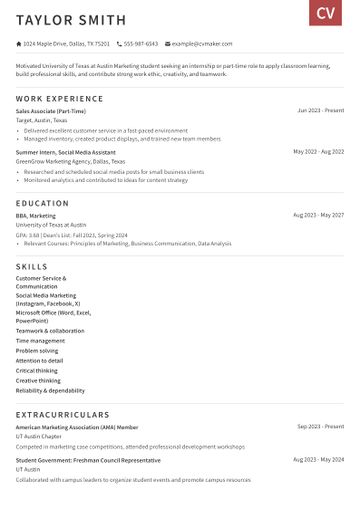
Starting your career? Look for a layout that gives education, projects, internships, and transferable skills prominent space. You can also include volunteering or part-time work to demonstrate your abilities.
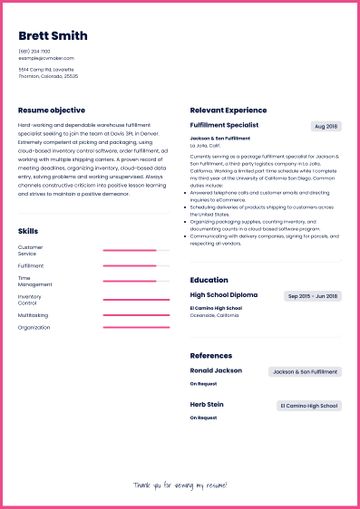
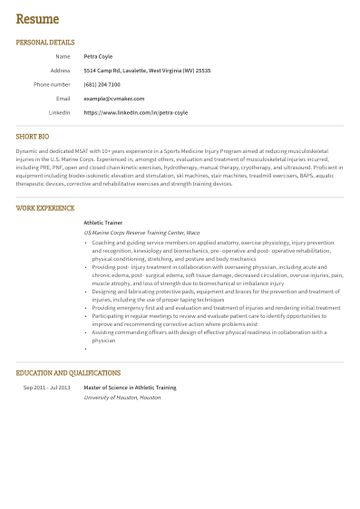
Try Michigan, Hopkins, Berkeley, or Yale to create a focused CV without stretching limited experience across unnecessary sections.
As your experience grows, your CV should show what you’ve contributed and how your skills have developed. Choose a layout that balances relevant work achievements with education, certifications, and technical or transferable skills.
Explore Cambridge, Stanford, Princeton, Harvard, Auckland, or Edinburgh to organize your background and draw attention to the qualifications that match the job.
For an established career, choose a design that makes your recent achievements and progression easy to follow. Prioritize relevant roles, leadership responsibilities, and measurable results, while keeping earlier experience concise.
Consider Oxford, Otago, Wisconsin, Toronto, or Duke for presenting a more extensive career history with clear sections and readable spacing.
Compare a few templates using your completed content. The best choice is the one that makes your suitability for the role easiest to understand.
Choose a CV template that fits the role, your industry, and the country where you’re applying. A good layout makes it easy for employers to find the experience, skills, and accomplishments most relevant to the job.
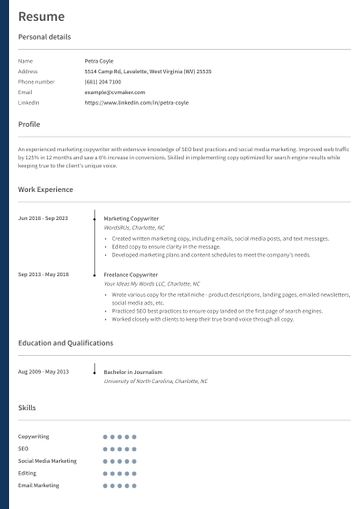
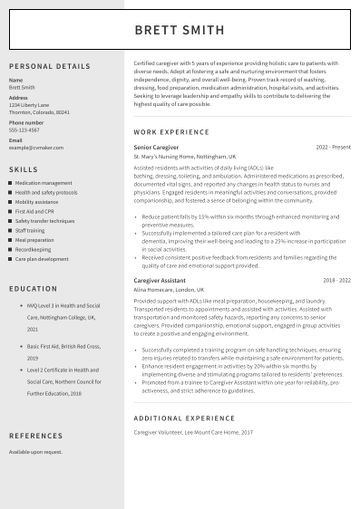
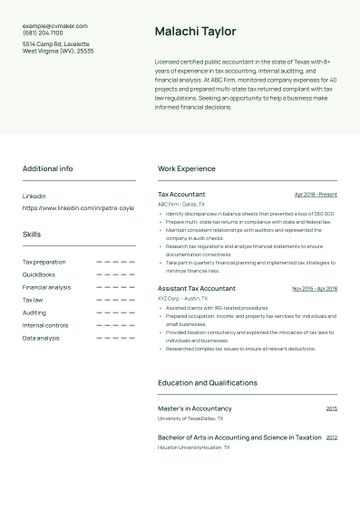
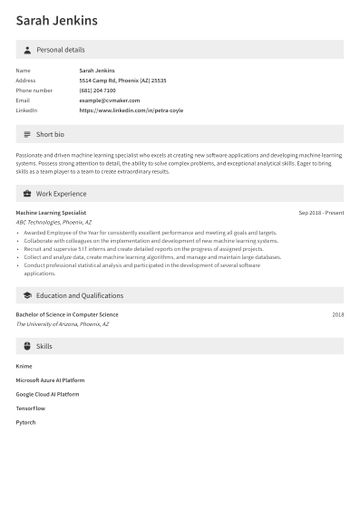
Simple CV templates use a clean layout with clear headings. They work well for students, recent graduates, and applicants in fields such as administration or customer service. Choose this style if you want to give your education, skills, and experience equal room.
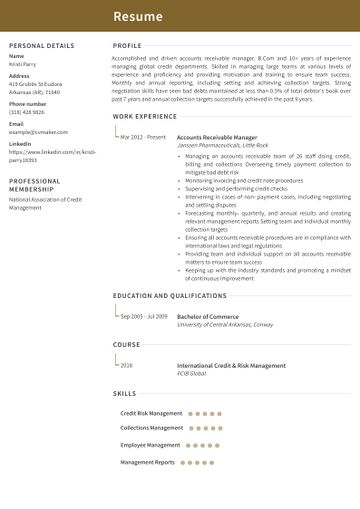
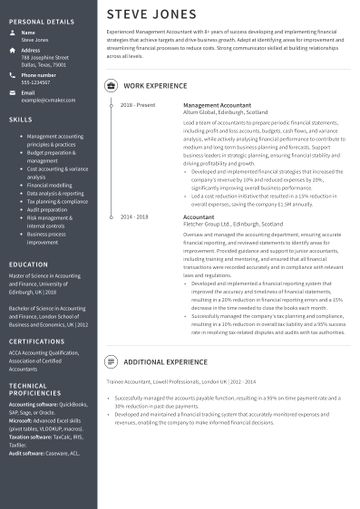
Professional CV templates give your career history and accomplishments a clear structure. They suit applications in finance, law, consulting, and management, especially when you want to show how your responsibilities have grown over time.
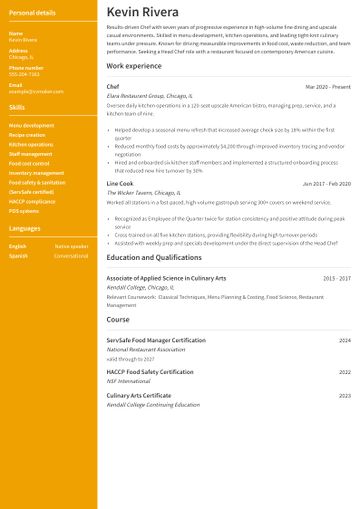
Modern CV templates use contemporary typography and subtle design details to make your qualifications easy to scan. They’re a good fit for roles in technology, marketing, communications, and other fields where a more contemporary layout feels appropriate.
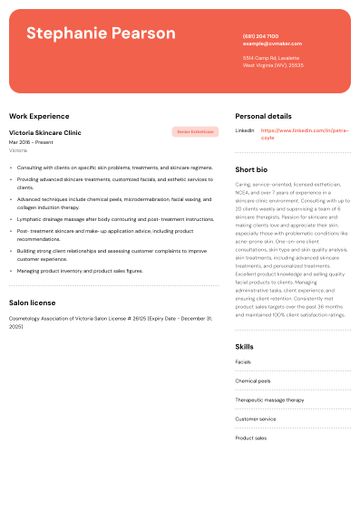
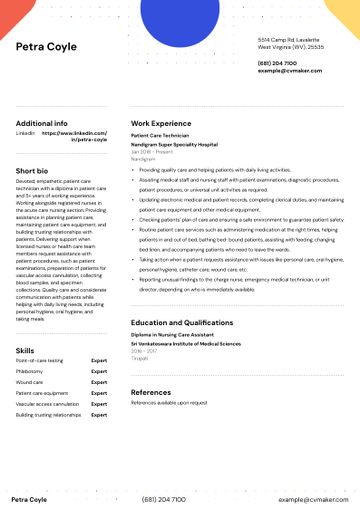
Creative CV templates use distinctive typography, color, or layout to show your personal style. They suit roles in design, advertising, and media. Choose a layout that keeps your experience easy to find and leaves room for a portfolio link if you have one.
If you’re unsure, start with a simple or professional CV template. Check the job posting for formatting instructions and follow local conventions for details such as whether to include a photo.
The best CV template makes your relevant qualifications easy to find. Start with a simple or professional design, then check how it looks with your information. Choose clear headings, readable text, and enough space for your achievements rather than selecting a template on appearance alone.
Choose a clear, flexible template that gives education, projects, internships, and skills enough space. If you have limited work experience, you can also include relevant volunteering and extracurricular activities. Focus on evidence of your abilities rather than trying to fill every section.
CVMaker offers more than 20 CV templates across simple, professional, modern, and creative styles. You can personalize the design with your preferred colors and fonts to suit your application.
Follow the employer’s instructions first. PDF preserves your CV’s layout, while TXT provides a plain-text version without design formatting. You can download your CV from CVMaker as a PDF or TXT file. A TXT file can be opened in Word, but it isn’t a formatted Word document (.docx).
For many job applications, CV and resume templates serve the same purpose: organizing your experience, education, and skills. Terminology and expectations vary by country. In academic and research recruitment, a CV may require a longer record of publications, teaching, and research. Explore our resume templates if that’s the document requested.
Yes. You can combine a CVMaker template with AI assistance to help write and refine your content. Choose the design, add your background, and use AI suggestions to improve sections such as your profile and work experience. Review every suggestion so your CV accurately reflects your skills and achievements.