Michigan
BeginnerSimple98K views
Browse CVMaker’s resume templates to find a design that suits your experience and the job you want. Choose a template, add your details in the resume builder, and customize the layout before downloading.

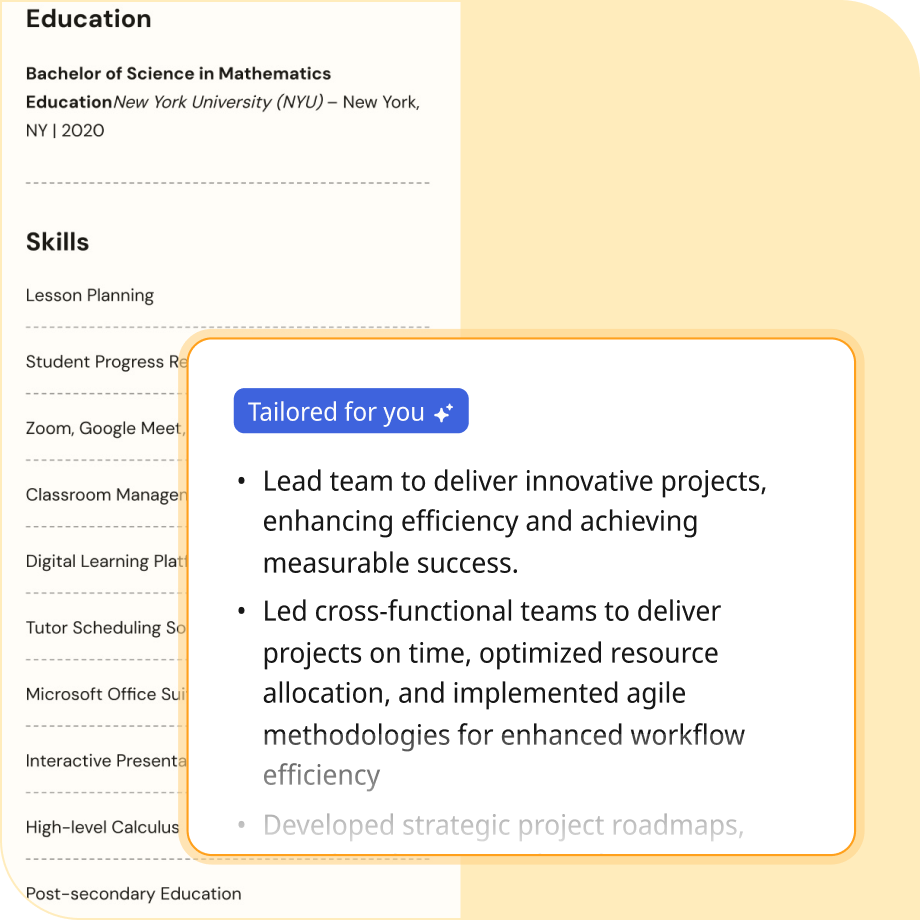
Receive instant, AI-powered suggestions to enhance your resume content.
Tailor your resume effortlessly for any career level, from entry-level to senior leadership roles
Save time with an intuitive AI resume creator that makes resume writing stress-free.
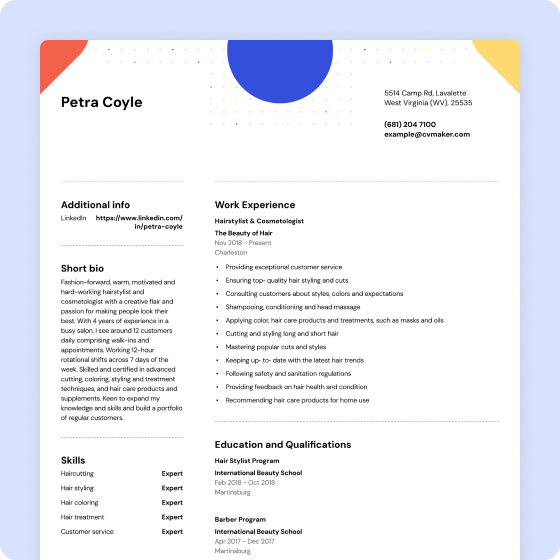
Showcase your unique style with the best resume templates designed to highlight creativity.
Grab employers’ attention with layouts that stand out while remaining professional.
Customize templates easily to reflect your skills, experience, and personality.
Maintain clarity and readability with thoughtfully crafted designs.
Simplify the resume-writing process with structured templates ready to edit.
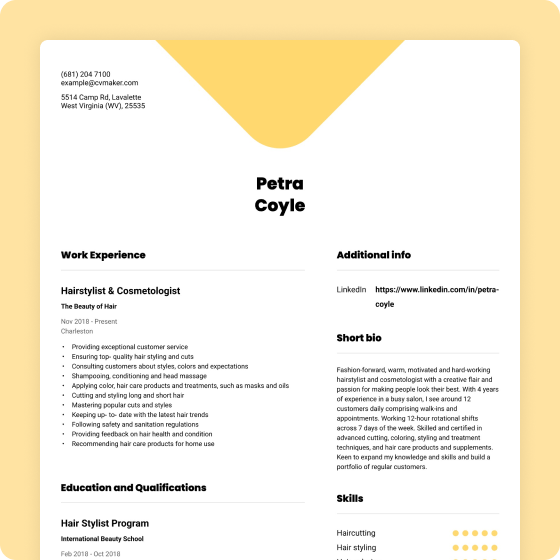
Showcase your individuality with modern resume templates that combine creativity with professionalism.
Make a strong first impression using standout layouts designed to capture attention – without sacrificing clarity.
Easily personalize each section to reflect your experience, skills, and career goals.
Benefit from clean, well-structured designs that keep your resume readable and ATS-friendly.
Streamline your job application with easy-to-edit templates built for impact and efficiency.
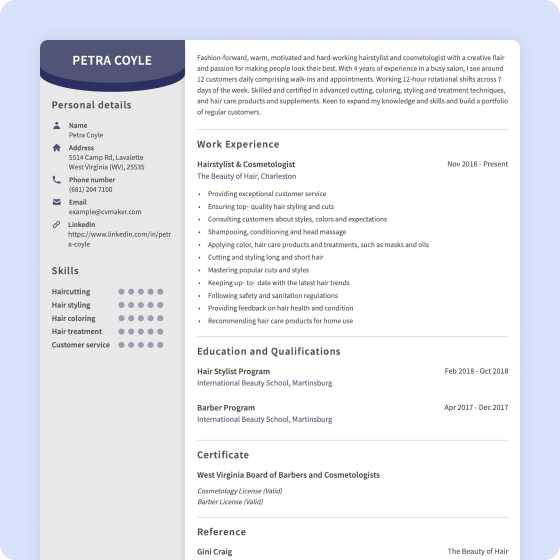
Showcase your unique strengths with templates that blend style and professionalism.
Make a powerful first impression with standout layouts designed to grab attention – without compromising readability
Each section is easy to customize, helping you reflect your experience, skills, and goals effortlessly.
Built for both humans and hiring systems, our clean, ATS-friendly designs keep your resume sharp and structured.
Streamline your job search with templates that are easy to edit and made for impact.
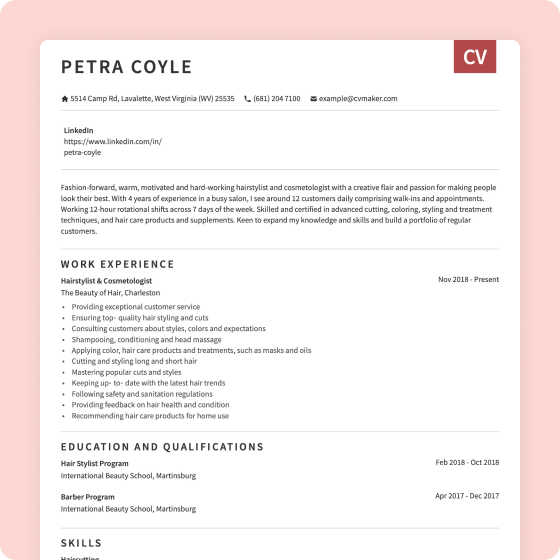
Stand out with simple resume templates designed to highlight your strengths without overcomplicating things.
Make a great first impression using clean, well-structured layouts that are easy to read and even easier to customize.
Every section is designed to help you showcase your experience, skills, and goals – all while staying ATS-friendly and recruiter-approved.
Start strong with a resume template that’s easy to edit, quick to personalize, and built for results.
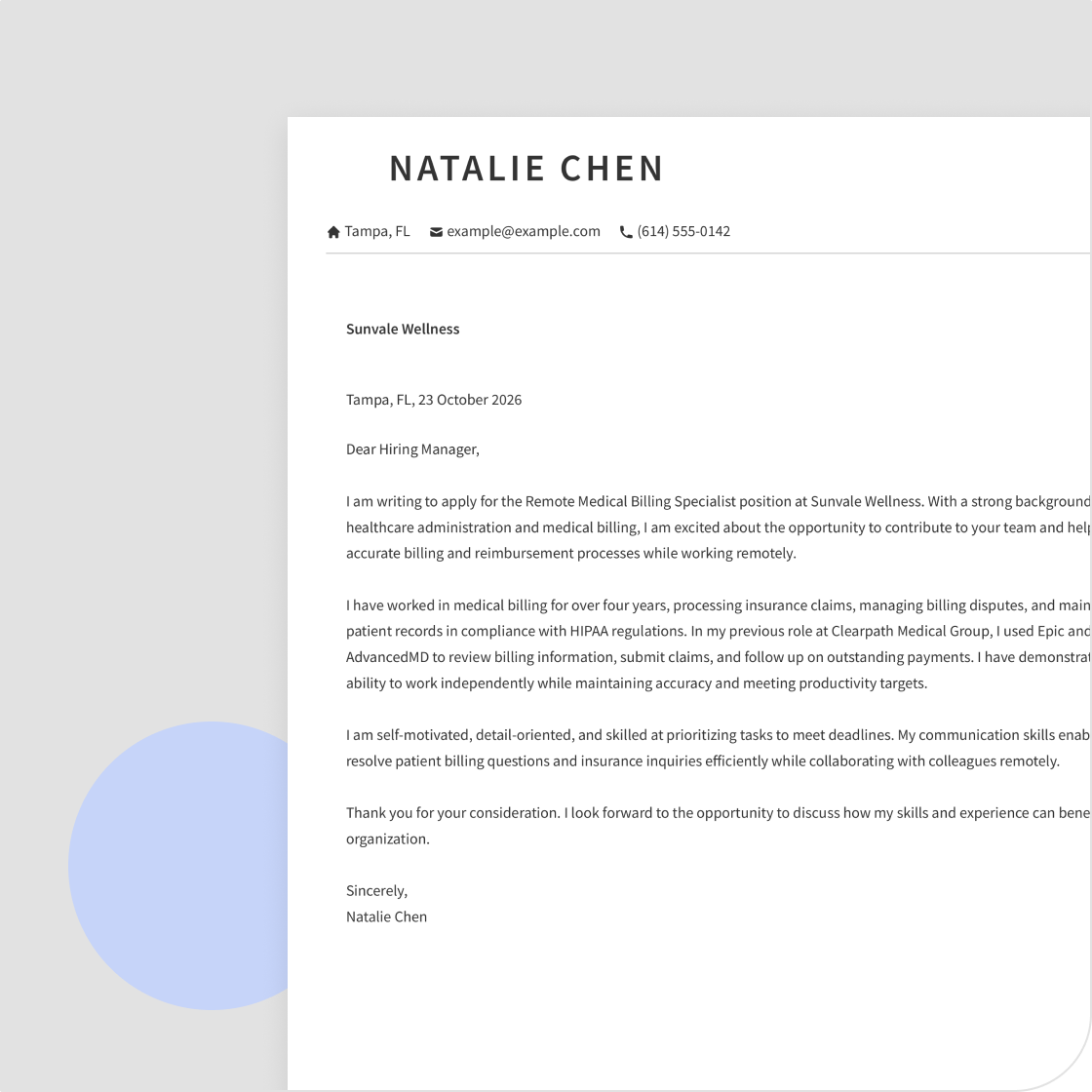
Take your job application to the next level with a professional cover letter template to match your resume.
Complement your resume with a cover letter that highlights your strengths.
Save time with an auto-generated cover letter outline.
Create a polished application that stands out to employers.

Discover industry or job-specific tips to craft a job-winning application, whether you're a recent graduate or an experienced professional.
Draw inspiration from industry and job-specific resume examples.
HR-approved and guaranteed to get you noticed.
Effortlessly customize in our resume builder.
Pick a template: Browse the gallery or filter by style and experience level.
Add your details: Enter your contact information, work experience, education, and skills.
Adjust the layout: Reorder sections, change the font or color, and preview your resume.
Download your resume: Check your contact details and page breaks, then download it as a PDF. If the employer requests a different file type, follow their instructions.
Choose a layout that makes your strongest qualifications easy to find. If your work history is your strongest selling point, give it the most space. If you’re just starting out, look for a design that gives your education, projects, and skills room to stand out.
If you’re unsure what to include, browse our resume examples for your role or industry. Use them to see which skills and accomplishments to highlight in your chosen template.
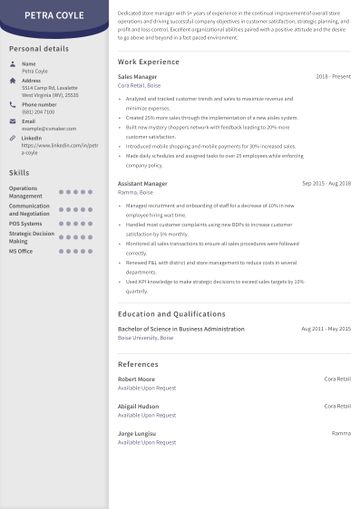
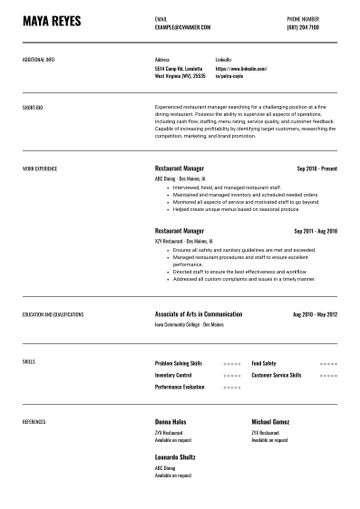
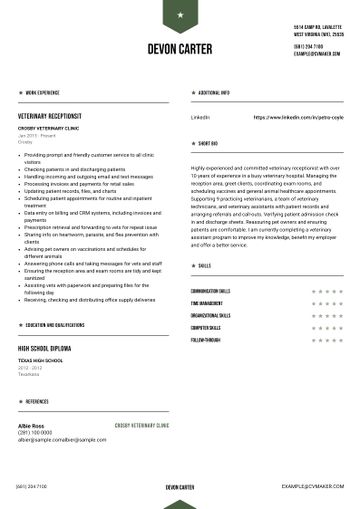
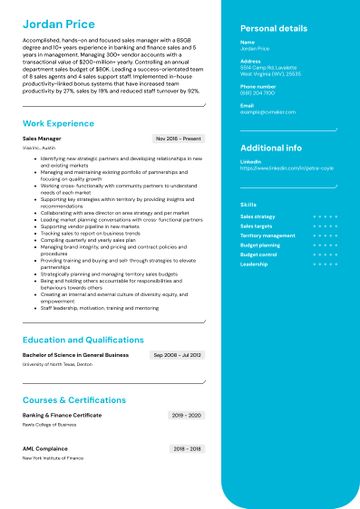
CVMaker offers four resume template styles. Choose a design that suits the role and makes your most relevant qualifications easy to find.
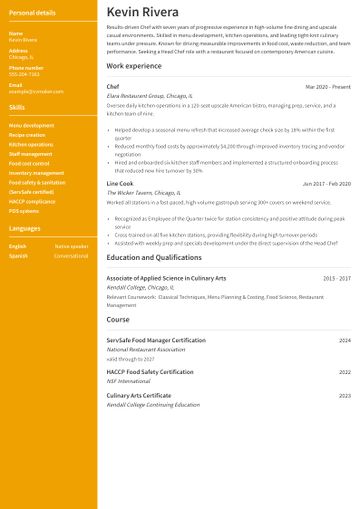
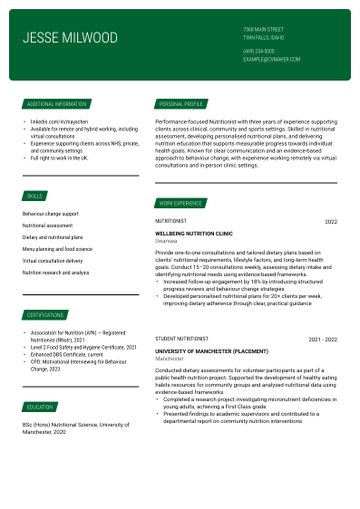
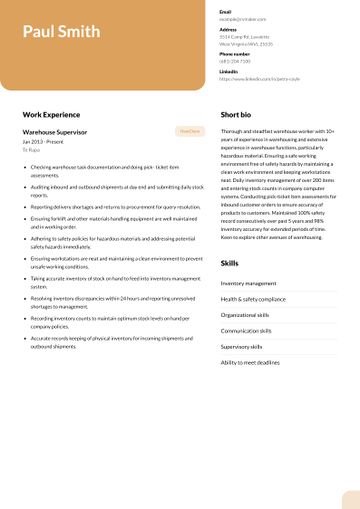
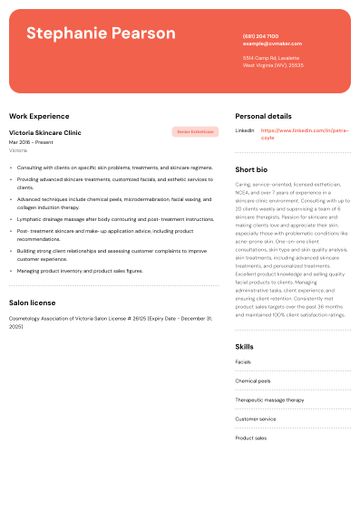
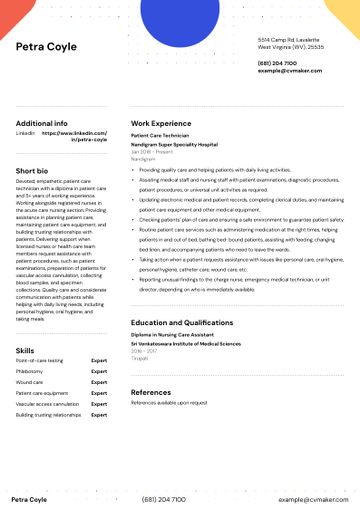
A distinctive header or a bolder color accent can add personality while keeping your experience easy to scan. Try California or Cornell for roles in design, media, or advertising. Browse creative resume templates.
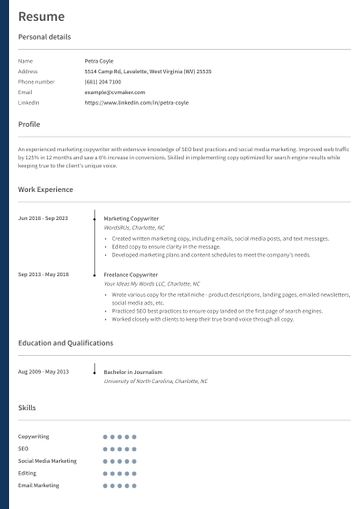
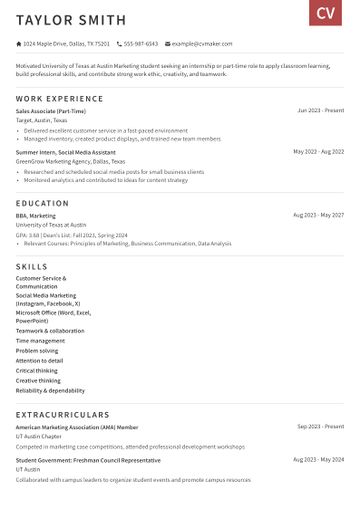
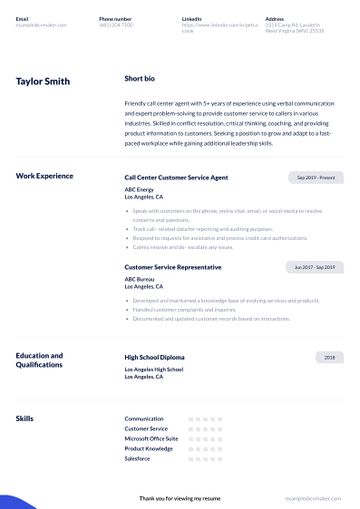
Contemporary typography and clear section headings give your resume a current look. Try Duke or Erasmus for roles in technology, marketing, or communications. Browse modern resume templates.
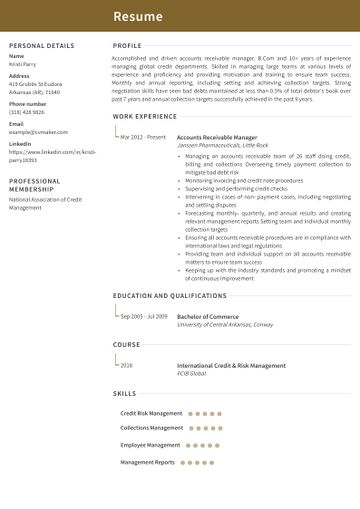
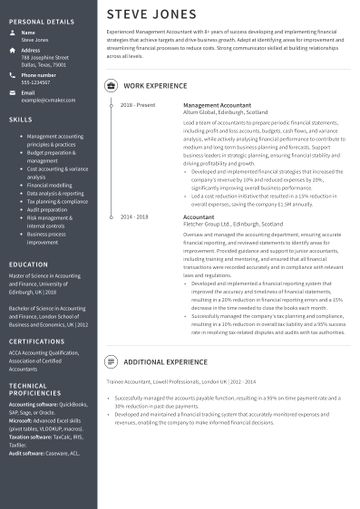
A classic layout makes your career progression and accomplishments easy to follow. Try Cambridge or Harvard for roles in finance, law, consulting, or management. Browse professional resume templates.
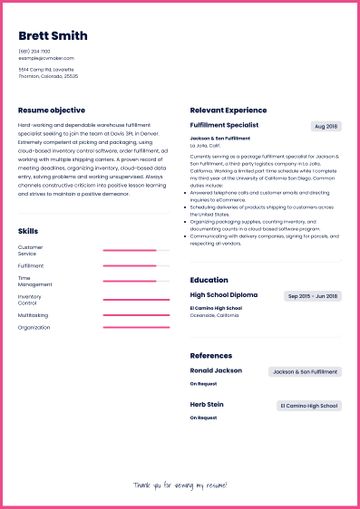
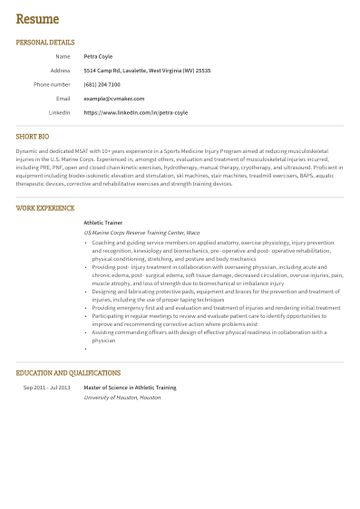
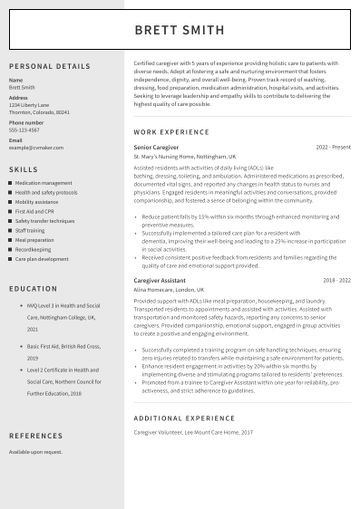
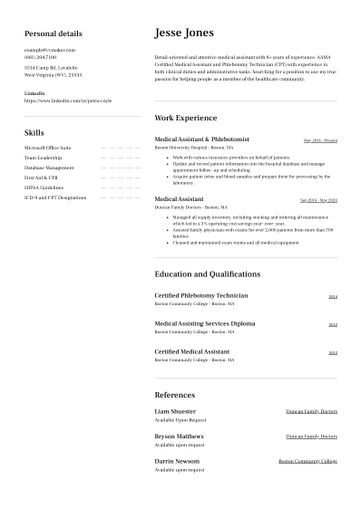
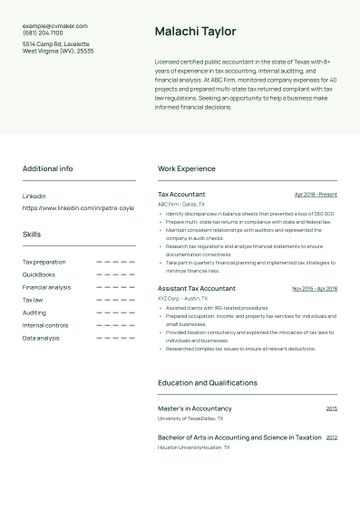
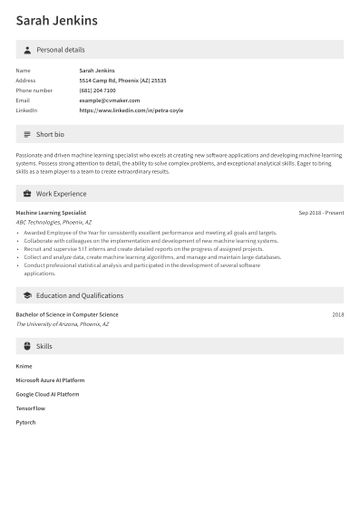
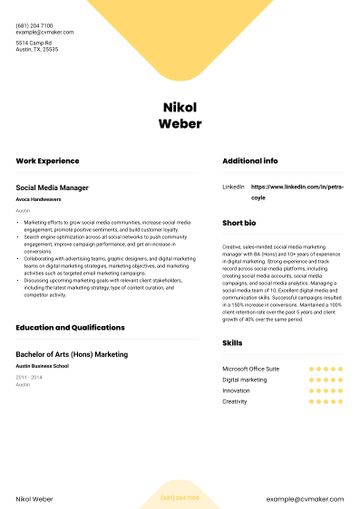
Minimal styling and straightforward headings keep the focus on your qualifications. Try Michigan or Oxford if you want an understated design. Browse simple resume templates.
Use the Experience filter to find a layout suited to your background, whether you’re applying for your first job or taking the next step in an established career.
If you have little or no work experience, choose a clear layout that highlights your education, skills, and potential. Include relevant projects, coursework, volunteering, or extracurricular activities to demonstrate your abilities. Struggling to find the best resume template for no work experience? Use Michigan as a starting point.
Choose a layout that balances your work experience, skills, and qualifications. Give your recent roles the most space and highlight achievements that show your growing responsibilities. Consider Cambridge or Princeton.
Prioritize your recent, relevant experience and the impact of your work. Highlight leadership, specialist expertise, and results while keeping earlier roles concise. Try Toronto or Wisconsin for presenting a more extensive career history.
An applicant tracking system (ATS) is software employers use to collect and manage applications. Some systems also extract details such as job titles, dates, and skills from your resume. To make that information easier to read, choose a straightforward layout with standard headings such as Work Experience, Education, and Skills. Keep essential details in selectable text and use terms from the job posting when they accurately describe your experience. Follow the employer’s instructions for the file type you submit. For more guidance, read our guide to writing an ATS-friendly resume.
Three ways to start: Create a resume from scratch, customize an example, or import your existing resume.
AI writing assistance: Get suggestions for your resume summary and work experience.
Flexible designs: Switch templates and personalize fonts, colors, and sections.
Multiple language options: Choose the language that suits your application.
Built-in spell check: Catch common spelling mistakes before downloading.
Matching cover letters: Pair your resume with one of our cover letter templates.
Job search and tracking: Find openings and keep track of your applications with the Job Tracker.
If you’d like help deciding what to include or how to present your experience, explore our Resume Writing Service.
Use the resume builder to move sections, adjust fonts and colors, or switch designs as you work. Preview the layout with your own content before you decide.
Align your template with your career goals and relevant experience.
Consider the employer’s culture and how the team works.
Make sure the layout is readable and easy to follow.
Decide whether a more distinctive or traditional design suits the role.
The best resume templates make your most relevant qualifications easy to find. A professional design is a good fit for formal industries, while a simple layout works well when you want to keep the focus on your experience and skills.
Good resume templates have clear section headings, readable fonts, consistent spacing, and enough room for your accomplishments. Look for a design you can adjust so the most relevant information appears first.
Choose an easy-to-read template that lets you place your education near the top. Look for space to show relevant coursework, projects, internships, part-time work, or volunteer experience.
CVMaker offers more than 20 resume templates across four styles: creative, modern, professional, and simple.
Follow the employer’s instructions. PDF preserves your layout and is a practical default when the job posting accepts it or gives no preference. If the employer asks for Word, submit this type of file.
In the U.S., a resume template is typically used for a concise, job-specific application, while a CV for an academic or research role can include publications, teaching, and research in more detail. In many other countries, “CV” is the standard term for a job application document. If the employer asks for a CV, browse our CV templates.
While you can use AI to help start the resume writing process, it's unable to create resume templates and tends to rely on generic content. While you might hope recruiters won't notice, presenting your strengths in a clear and engaging way still requires a personal touch. Use the AI Resume Maker to boost your resume content or learn more about AI resume writing.
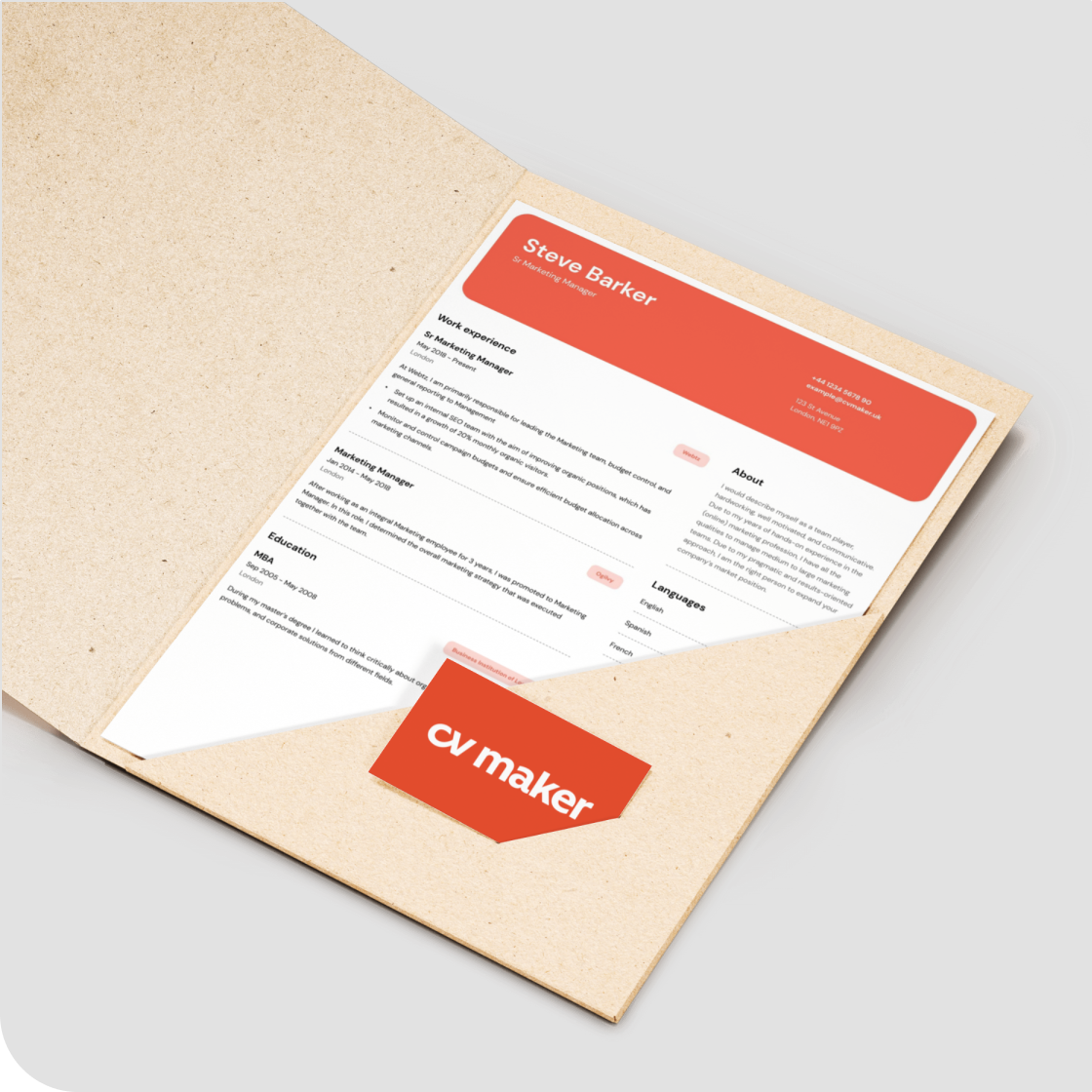
Over 20 professional templates to choose from
Designed by experts and suitable for any career
HR-approved and applicant tracking system (ATS)-friendly.