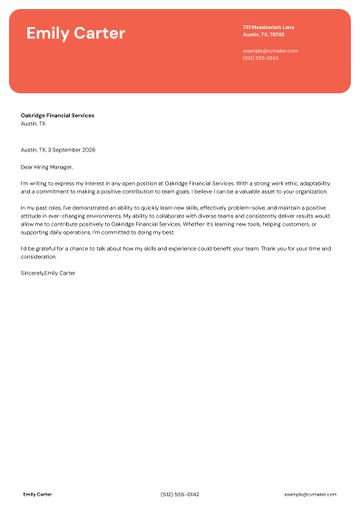
Michigan
BeginnerSimple98K views
Browse CVMaker’s cover letter templates and choose a design that suits the role and matches your resume. Customize it in the cover letter builder, write your own letter or generate a first draft, and download it when you’re ready to apply.

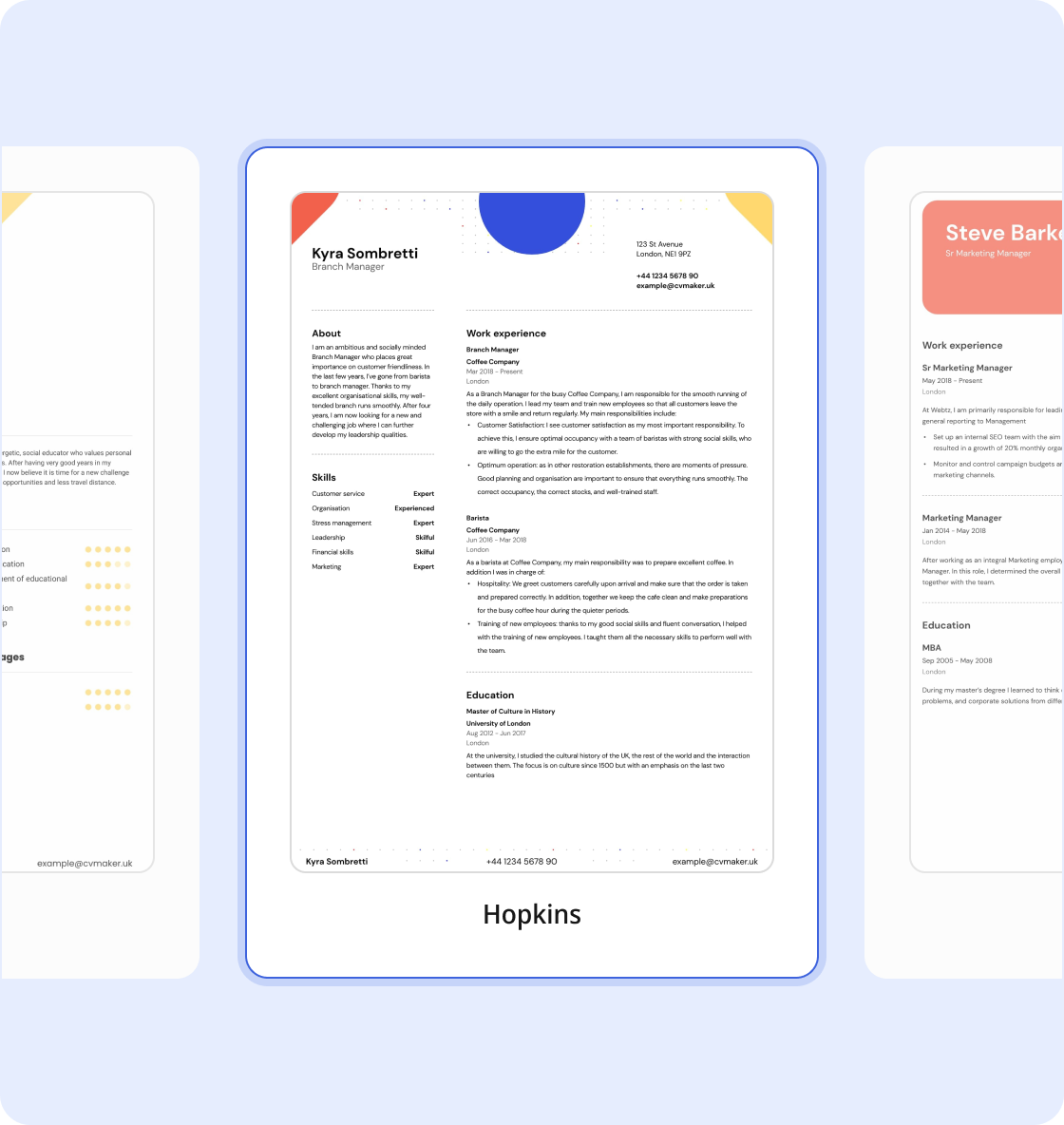
Take your application to the next level by pairing your professional cover letter with a expertly-written resume example. Seamlessly complement your cover letter with a resume to enhance your candidacy. Explore our curated collection of resume examples now for a complete and polished job application package.
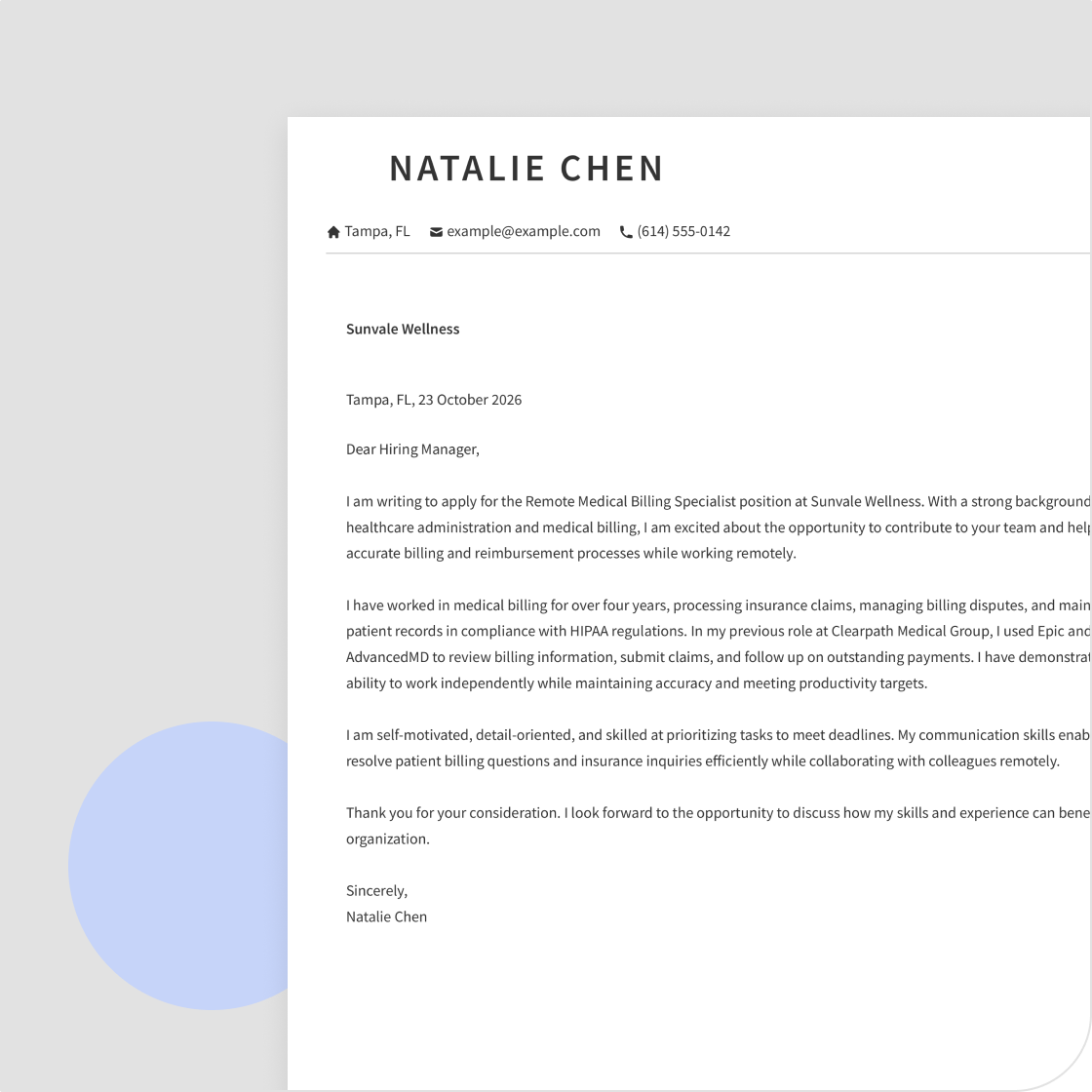
Need to update your cover letter or looking for the best template to use? Whether you're a recent graduate or an experienced professional, we’ve created cover letter examples to help you craft a strong, impactful application. Explore them for inspiration and find the right format for your needs!
Job-specific cover letter examples.
HR-approved and suitable for any job-type.
Seamless customization in our cover letter builder.
A cover letter template gives you a clear layout, keeps your contact details easy to find, and takes care of margins and spacing. Pair it with a matching resume template for a consistent look across your application. With the formatting in place, you can focus on why you want the role and share a specific example that builds on what’s already on your resume.
Pick a template: Browse the gallery by style or experience level and choose a design that suits the role.
Add your details: Enter your name, email address, and phone number. Add the date and the hiring manager’s details if you know them.
Generate your letter: Start with your resume, answer a few questions, or use a cover letter example for inspiration. Tailor your opening and examples to the job posting.
Preview and download: Check the company name, job title, and layout before downloading. Follow the employer’s instructions for the file format.
Selecting the right cover letter template is essential for making a strong impression. The right choice improves readability and gives your application a professional look, while aligning with what both the employer and your industry expect.
1. Consider the role and employer
A classic layout suits a formal workplace, while a more distinctive design can work for roles in design, media, or advertising.
2. Match the job posting
Reflect the employer’s tone and use relevant terms from the posting when they accurately describe your skills or experience.
3. Keep it easy to read
Choose a readable font, clear paragraphs, and enough white space. A clean, text-based layout is a practical choice for online applications.
4. Choose a flexible design
Preview your letter in different templates and check that the layout fits your content and pairs well with your resume.
Entry level: A simple cover letter template works well for a short letter focused on an internship, class project, volunteer role, or transferable skill.
Mid-career: Choose a layout with room for one or two accomplishments that show how your experience matches the role.
Senior level: Use a structured design that gives you room to explain the scope and impact of your work, such as the teams you led or the results you delivered.
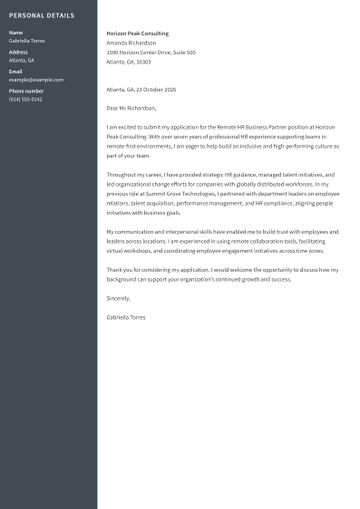
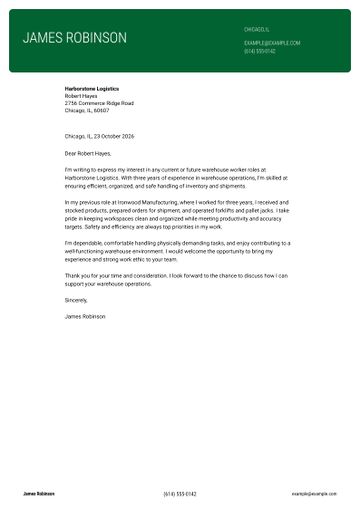
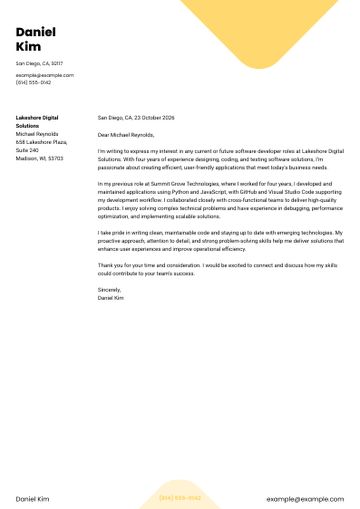
Modern cover letter templates use contemporary typography and subtle accents. They work well for roles in technology, marketing, and communications. Try Duke or Erasmus.
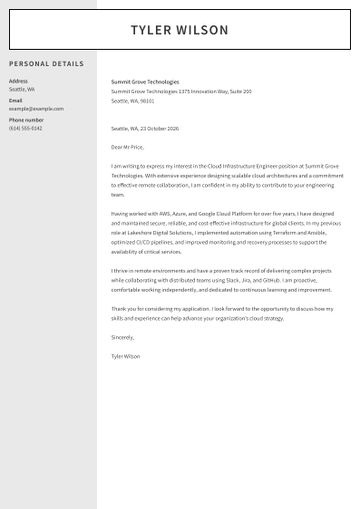
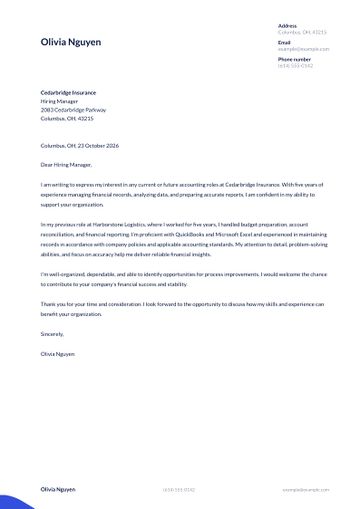
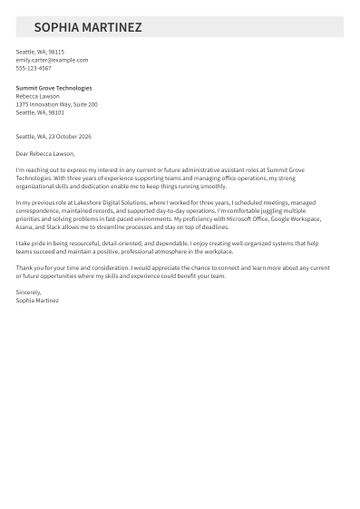
Professional cover letter templates use a structured layout and restrained styling. They suit applications in finance, law, consulting, and management. Try Cambridge or Harvard.
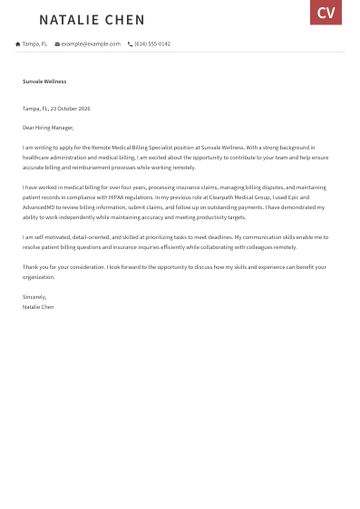
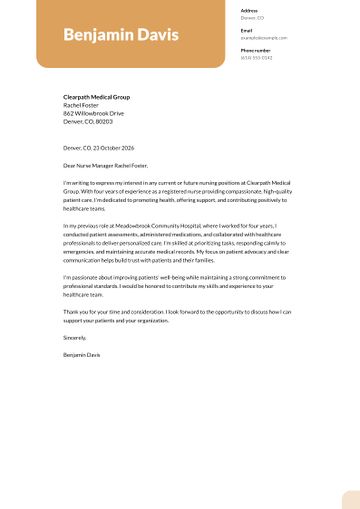
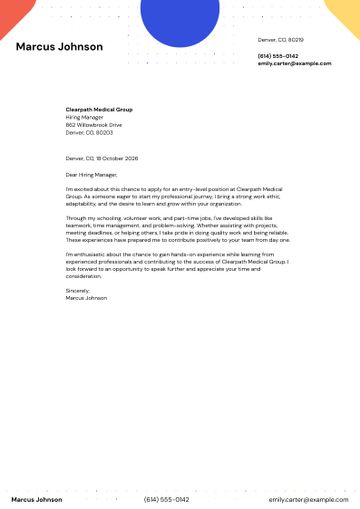
Creative cover letter templates use more distinctive color or typography while keeping the letter easy to read. They suit roles in design, media, and advertising. Try California or Cornell.
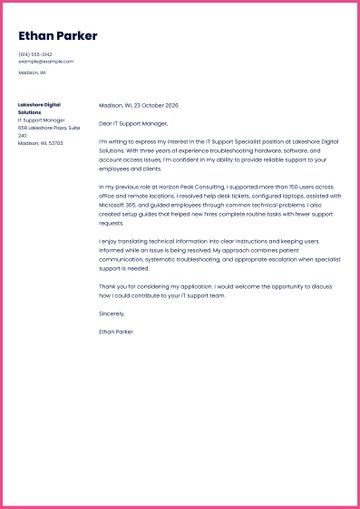
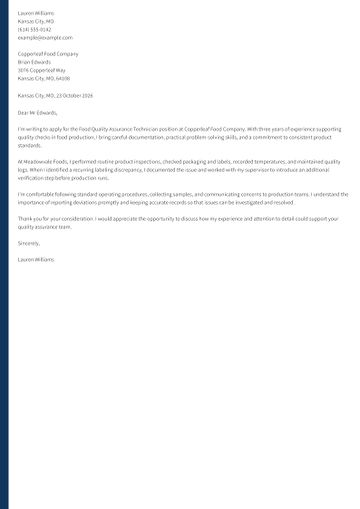
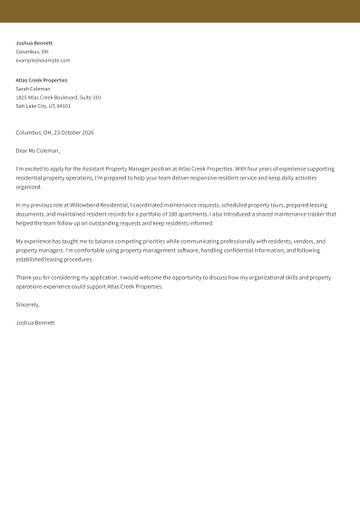
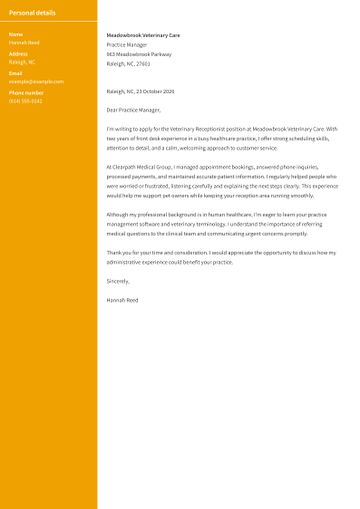
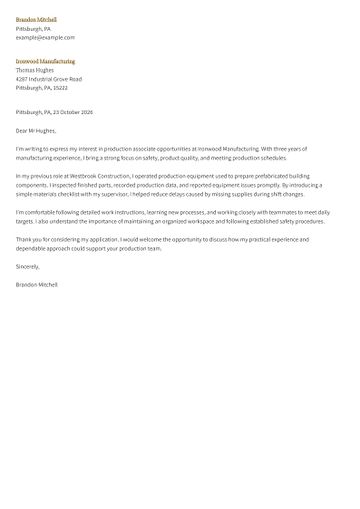
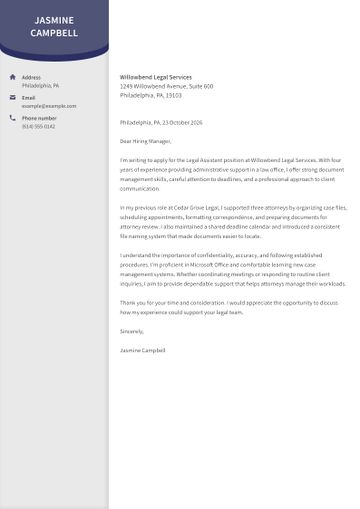
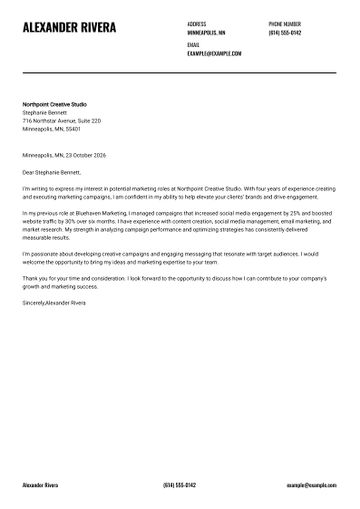
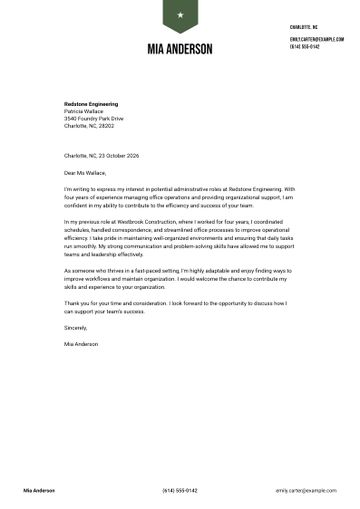
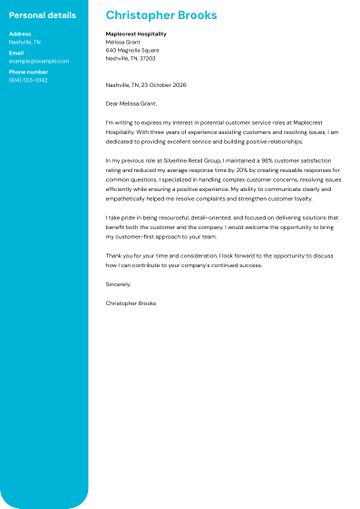
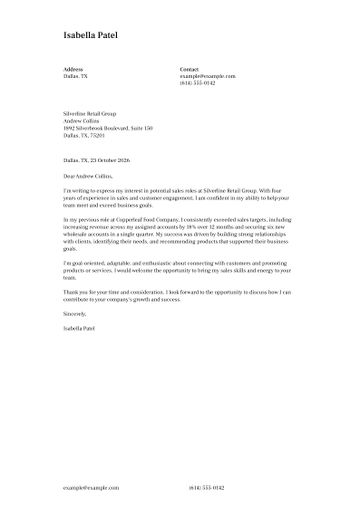
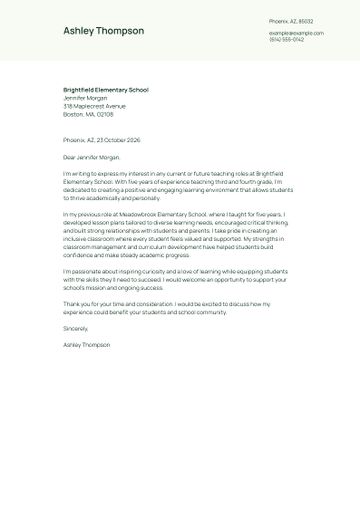
A simple cover letter template uses minimal styling and puts the focus on your message. It’s a good starting point for first-time applicants and roles in administration or customer service. Try Michigan or Oxford.
A standard cover letter format has five parts. Aim to fit them on one page unless the employer asks for something different.
Header. Include your name, email address, phone number, and the date. Add the recipient’s details if available.
Greeting. Address the hiring manager by name or use “Dear Hiring Manager.”
Opening. Name the role and give a specific reason you want to work for this employer.
Body. Share one or two examples that show how your skills or experience match what the employer needs.
Closing. Thank the reader, express your interest in an interview, and sign off with your name.
Start with a template you like, then choose how to create your letter in the CVMaker cover letter builder:
Use your existing resume: Create a cover letter using the details you’ve already added to CVMaker.
Write it with AI: Tell us a bit about yourself and the role, and get a first draft you can edit.
Upload a resume: Start with a file from your computer.
Once you’ve started your cover letter, use these features to tailor it to the job and get it ready to send:
Customizable design:. Adjust the fonts, colors, and sections to suit your application.
Multiple language options: Choose a letter language that suits the employer and the job posting.
Designs developed with recruiters and HR specialists: Choose from four styles with layouts for different roles and experience levels.
Matching resume designs: Pair your letter with one of our ATS-friendly resume templates for a consistent application.
Built-in spell check: Catch common spelling mistakes before you download.
You can try the cover letter generator for free. Downloading your finished letter requires paid access.
With our user-friendly cover letter builder, you can easily enter your job titles, work location, and skills, and we'll generate a tailored cover letter for you. You can try this feature for free, but you'll need the paid version to download your final cover letter.
Yes, you can use AI to write your cover letter, but it's important to personalize it and review it thoroughly. AI can help generate ideas and structure, but adding your own voice and double-checking accuracy will make your cover letter more effective.
To choose the best cover letter template, consider the industry and role you're applying for, match the template to the company's tone and style, make sure it's easy to customize, and confirm it's ATS-friendly.
Yes — using a cover letter template is a smart move. It gives you a professional structure and helps ensure you include all the necessary elements. It also saves time and cuts down on formatting stress, so you can focus on writing a compelling letter.
If you don't have much experience, focus on transferable skills gained from internships, volunteer work, academic projects, or extracurricular activities. Highlight your eagerness to learn and your enthusiasm for the role and the company.
Not always, but submitting a customized cover letter for each application is a smart move. Tailoring your cover letter template to the specific job and company shows you've done your research and are genuinely interested in the position.
Your resume and cover letter should complement each other in style and content. They don't need to be identical, but using a consistent format and font creates a cohesive look. Your cover letter should build on key points from your resume, not just repeat them.
PDF is generally the preferred format for cover letters because it preserves formatting and looks the same on any device. That said, if the job application specifically asks for a Word document, provide it in that format.